

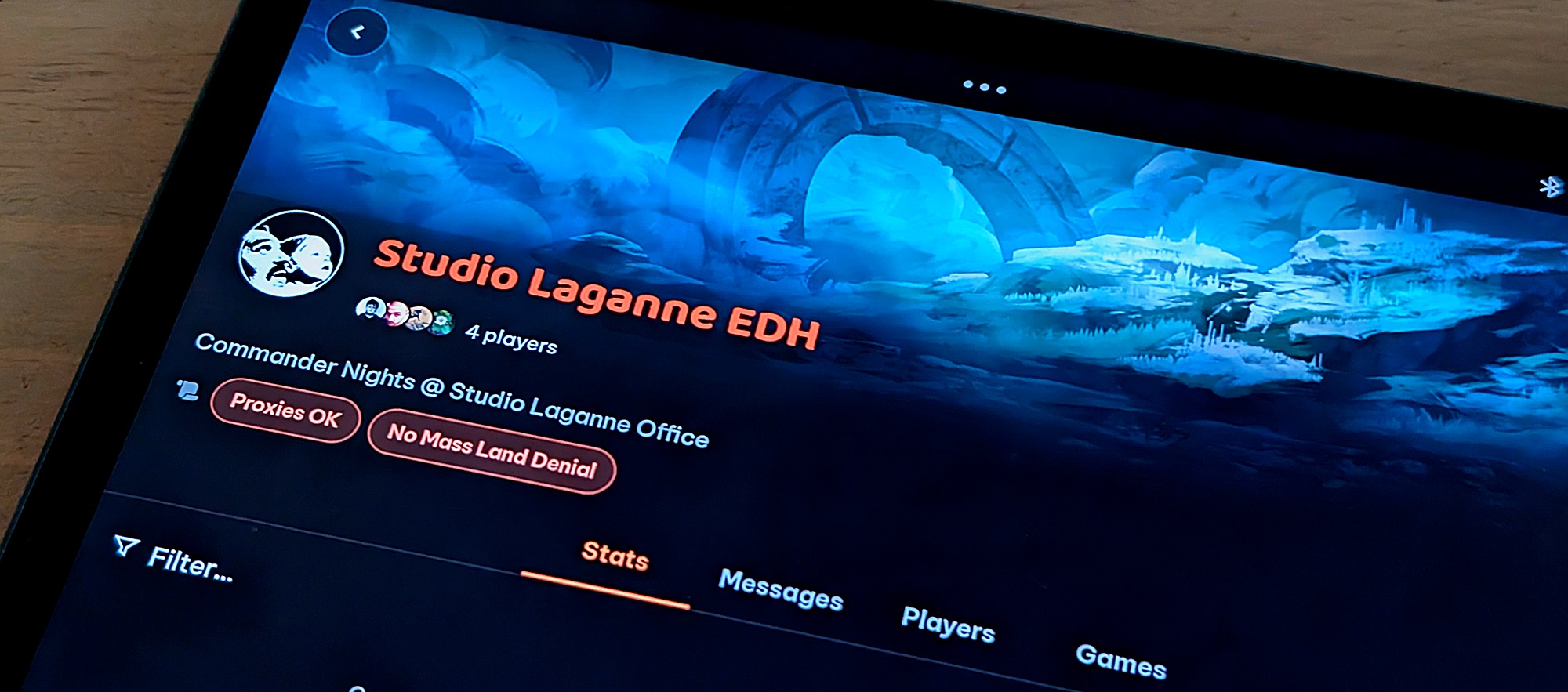
Mythic Tools was already the most versatile companion app on the market for Magic: The Gathering players but with our 3.2.0 update bringing major overhauls to our Playgroup feature, we’re raising the bar for your pod’s game night. Innovative new features like Playgroup chat, group management tools, guest player access and in-depth game statistics have transformed Mythic Tools from a helpful MTG companion app to a must-have for routine pods. When paired with existing tools like our Magic: The Gathering life tracker and Smart Decks, casual and competitive players alike can now see exactly what’s working for their preferred format or deck, and what could be tweaked to give a leg up in the next duel.
Each Playgroup is different, so with the 3.2.0 update we have given players even more control over how they structure theirs. Represent your vibe by choosing your Playgroup header from among thousands of Magic: The Gathering prints. Or, if that’s too limited, upload your own header! Set your Playgroup name, description and an optional location and you’re ready to invite your first player. Even better, Mythic Tools users no longer need to be friends to join Playgroups. As a Playgroup admin, you can set your preference of an open or closed group, and then all a new player has to do is simply scan your Playgroup QR code or follow an invite link, receive the appropriate approval, and they’re in! No more overflowing friend lists or pre-lobby back and forth. Point, scan, join. It’s that easy.
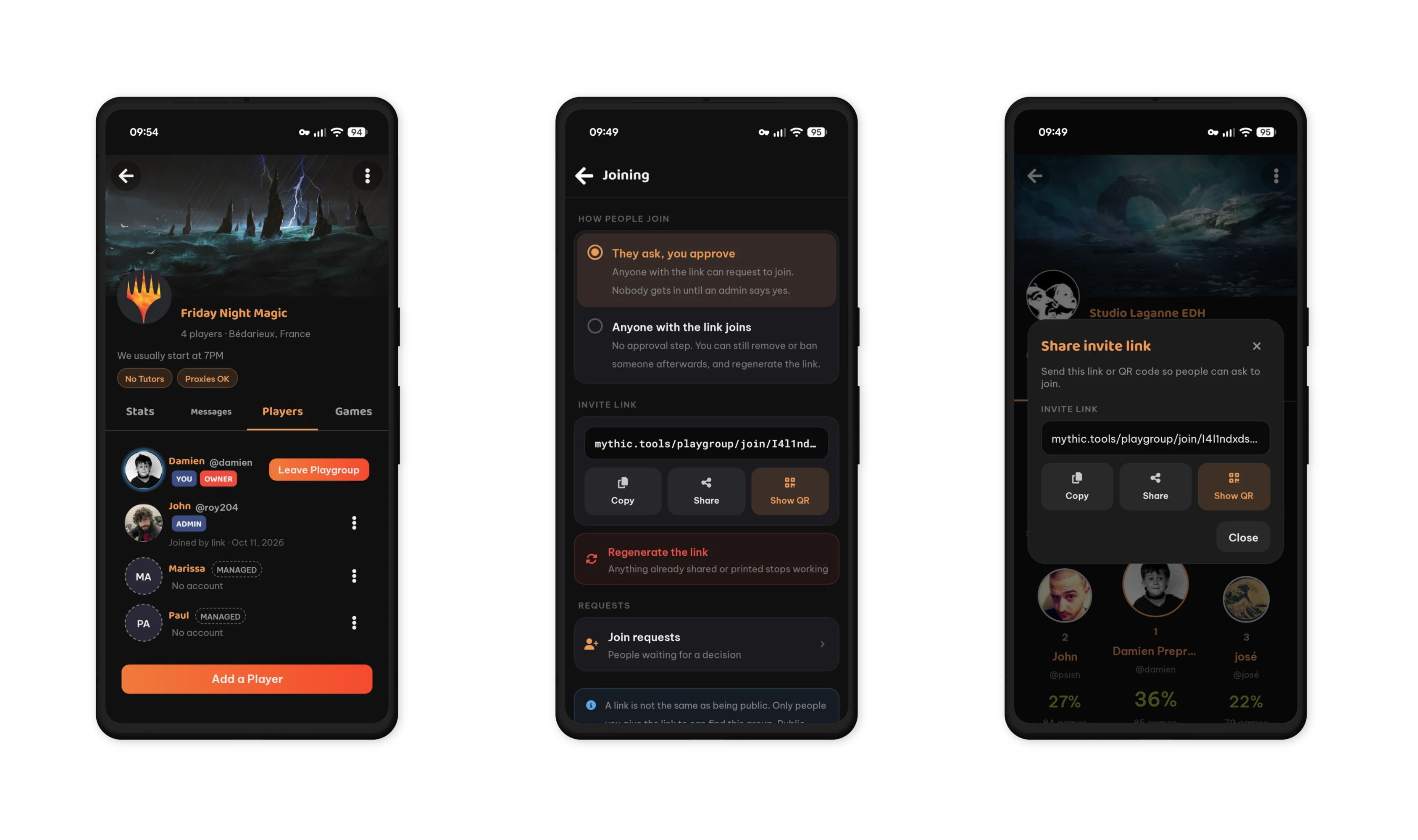
In fact, players don’t need to be Mythic Tools users to join at all. For the players at the table who aren’t using Mythic Tools yet, Playgroup admins can create Managed Players, which function as placeholders. These Managed Players live in the Playgroup history, showing up in standings and highlights while maintaining their decks from one session to the next. Then, if a Managed Player decides to create their own Mythic Tools account in the future, they can claim their stored data directly from their Playgroup- syncing match history and decks into their new account seamlessly.
House rules? Pod preferences? No problem! Configure up to 12 short labels, like “no Tutors” or “proxies OK” to let others know what to expect before they sit down to play. When a player scans the QR code or follows an invite link to join a Playgroup, these tags will be visible to them before they join. Indicate your bracket strength, preferred gameplay style, and in just a few short moments you’ve taken all of the guess work out of finding the right Playgroup at Friday Night Magic.
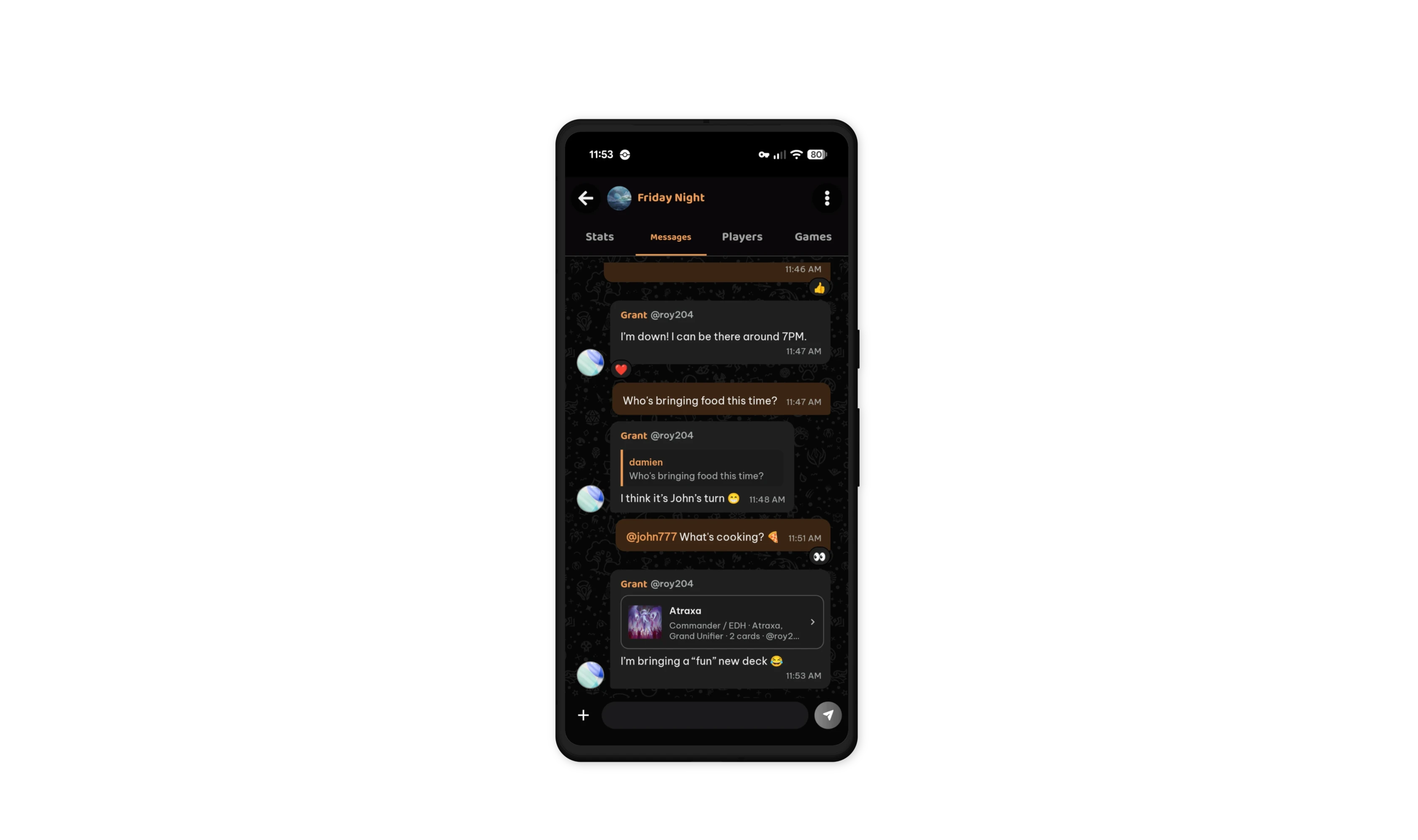
Playgroups aren’t just for in-person pods, either. With features like Playgroup chat- fully equipped with replies, reactions and mentions- and robust admin controls for group management and membership tracking are the perfect compliment to online or remote play! Share cards, deck lists, binders or boxes from your collection with robust embeds. Flaunt match results by pinging your favorite rival. Whatever you share, our Playgroup chats are encrypted end to end.
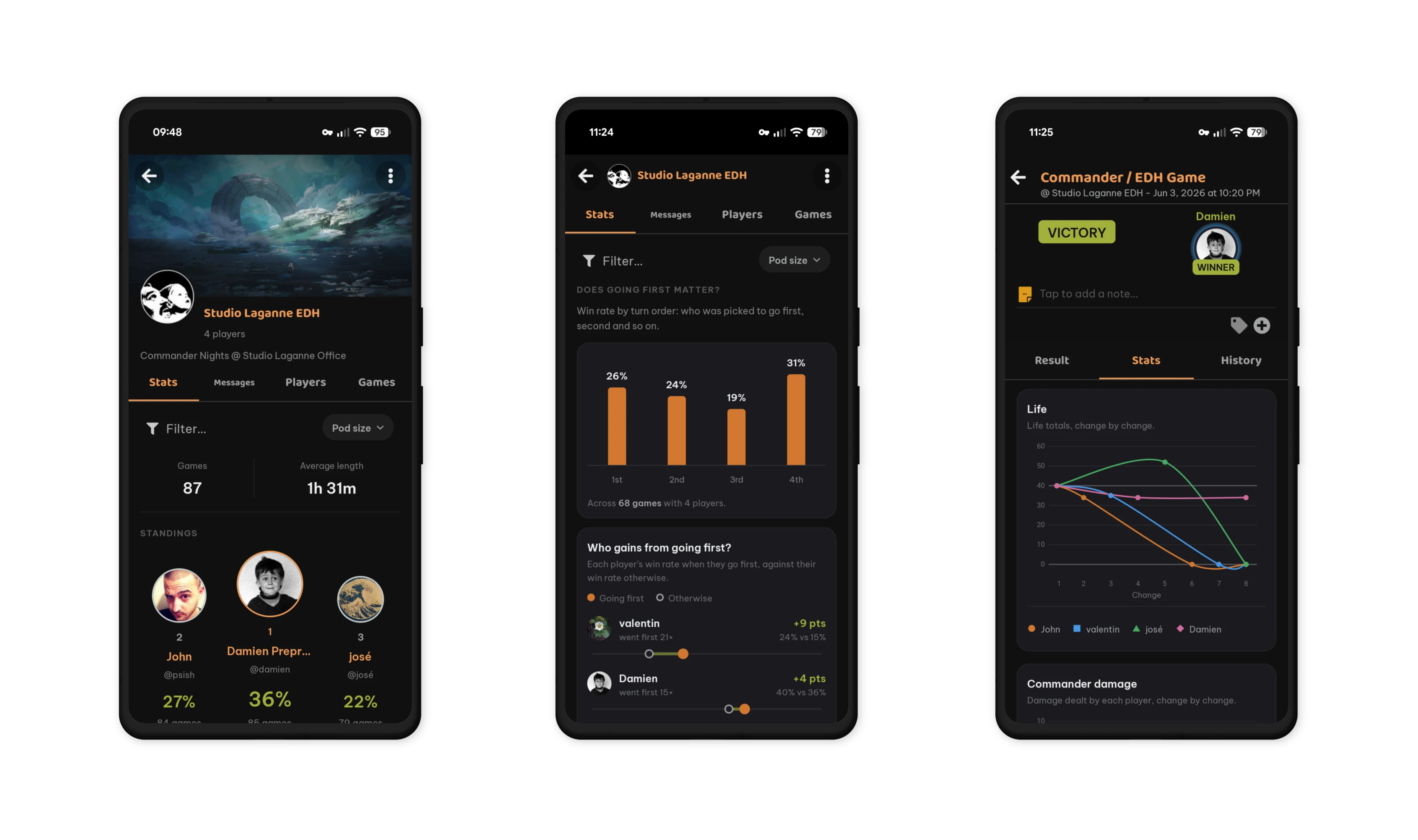
Lastly, for the data-obsessed, we’ve overhauled Playgroup statistics to provide an expansive pool of stats for analysis and review. How long do your Playgroup matches take? Who has the longest win streak? What commander is dominating the pod? Match stats dig deep into the power balance of your table by identifying first draw, first elimination, life gain and loss, and commander damage. Use this data to adapt your strategy and return in the next session stronger than ever!
Whether you’re a seasoned MTG veteran or someone just learning the game, Mythic Tools has what you need to take your game to the next level. With even more features coming soon to Playgroups, now is the time to jump in and discover why Mythic Tools is making waves in the Magic: The Gathering community as the best companion app for life tracking, collection building and head-to-head play!